Guide menu
Your first learning session.
Start with a handwritten card. Add AI whenever you want.
Install EngramQuest
In Obsidian, open Settings → Community plugins. Search for EngramQuest, install it, then enable it.
Write your first card
Create a note and add:
markdown
#flashcards/learning

Q: What is active recall?
A: Retrieving an answer from memory.Open Review Deck
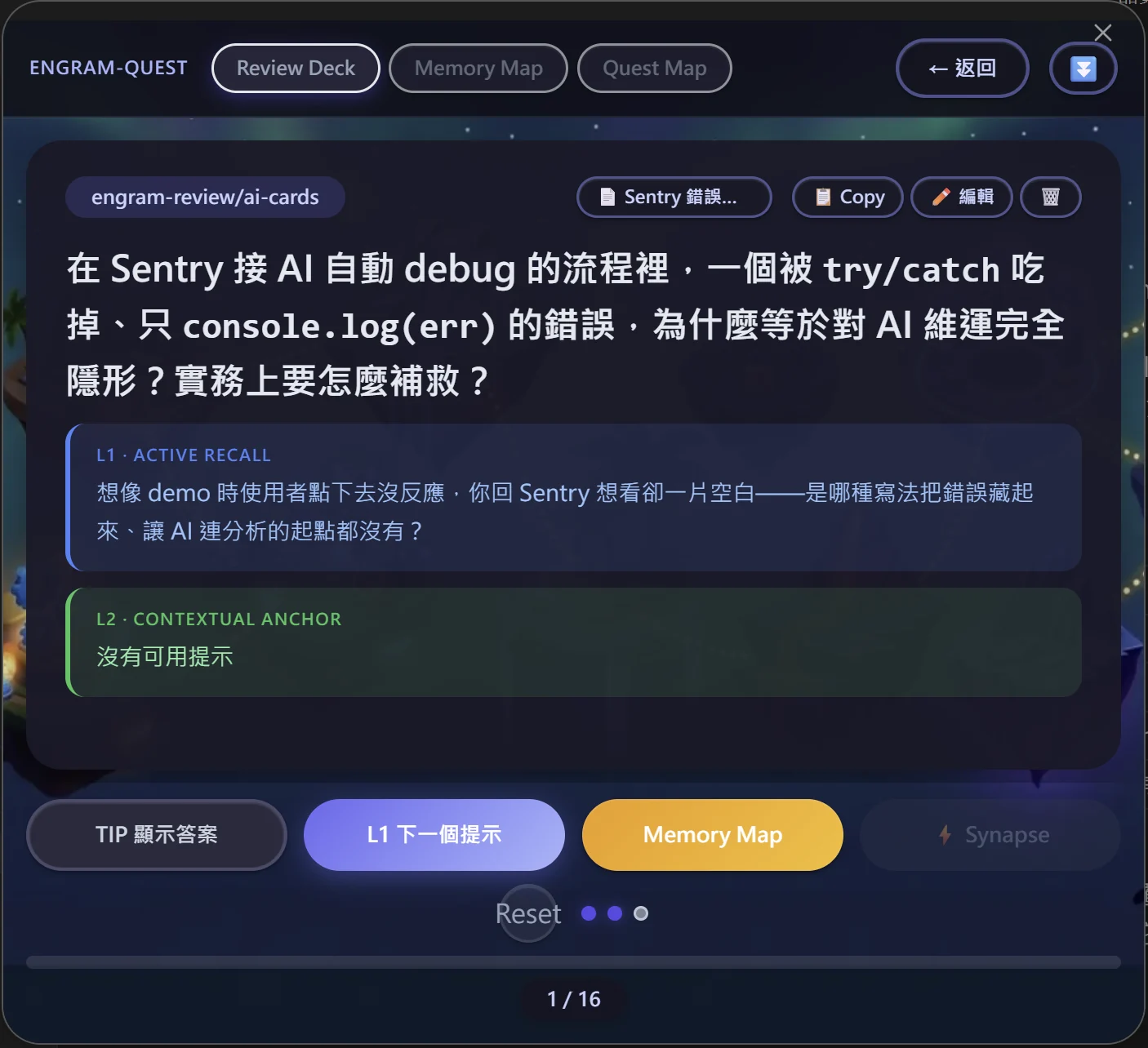
Open EngramQuest and go to the Review Deck tab to start practicing your card.
Optional
Prefer to start with AI?
Set up the AI tool you already use, then build a deck from your notes.
Read the AI setup on GitHub (opens in a new tab)