 Memory · Memory Map
See the big picture before the details
Memory Map draws a hard topic on Obsidian Canvas: what is surprising about it, which of your notes it links to, how it chunks and what it is like.
Free community plugin · Opens Obsidian. Nothing happens? Install from the plugin directory (opens in a new tab)
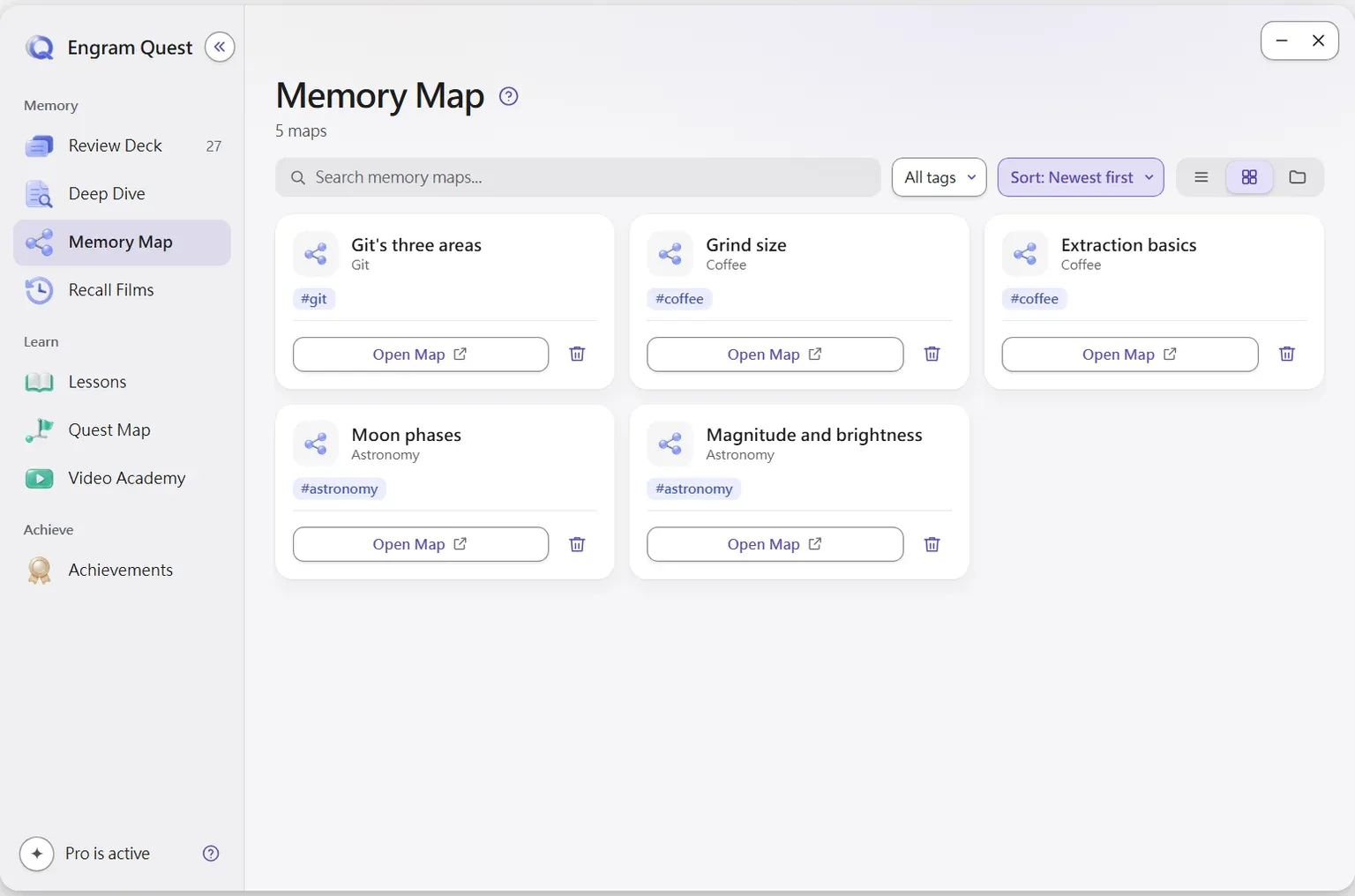
Memory Map is the EngramQuest module that draws a visual map of a hard concept on Obsidian Canvas using novelty, chunking, analogy and links to your existing notes, and opens it during review.
How does Memory Map work?
Built on memory science
Novelty, association to notes you already have, chunking and analogy.
A real Canvas file
A standard .canvas file you can drag, edit and annotate like any other.
Auto-detected
Any file named {note-name}-memory.canvas shows up in Hub → Memory Map.
Opens during review
The Memory Map button finds and opens the matching canvas while you review a card.
How to start
Install the Memory Map skill, then say “Make a memory map for this note.”
Watch the walkthrough
Memory Map: see how your notes connect
Why it works
Elaboration and dual coding
Linking a new idea to what you already know, and seeing it as a picture, gives the memory more ways back.
Read the scienceClaude Code · Codex · Gemini CLI · Cursor
Made by the AI tool you already use
Install the EngramQuest skills once, then ask in plain words. No extra subscription and no per-token API fees.
Use it with Claude CodeQuestions about Memory Map
How does EngramQuest find a memory map?
By its name. Any file named {note-name}-memory.canvas is detected automatically and listed in Hub → Memory Map, and the Memory Map button opens it while you review cards from that note.
Can I edit the map?
Yes. It is a native Obsidian Canvas file, so you can drag, edit and annotate it like any other canvas.
How does a memory map help memory?
It applies elaborative encoding: a hard idea is linked to notes you already have, split into chunks and explained with an analogy, so there are more ways to bring it back.
Last updated:




Keep what you learn.
Free for Obsidian on desktop and mobile. AI optional.
Free community plugin · Opens Obsidian. Nothing happens? Install from the plugin directory (opens in a new tab)